
Gaming
Ultra-simple. Ultra-fast. Right on Android.
The high-CTR thumbnail studio built for YouTube and mobile creators. 500+ templates, 1-tap AI subject cutout, and 50+ fonts on a 100% ad-free canvas.


Browse a curated collection of high-converting thumbnail templates built for modern YouTube, Twitch, and social creators. Designed in standard 1280×720 ratio with zero guesswork.
Take full creative control right on your Android phone. Add and arrange unlimited layers, align elements with snap guidelines, scale, rotate, and fine-tune every detail with precision.


Isolate creators, game heroes, and products in tenths of a second. Clear solid backdrops with threshold color tolerance or trace intricate hair lines with sub-pixel fingertip offset precision.
Crisp 1280×720 covers exported directly to your device. Ready for YouTube Studio with zero compression and zero watermarks.
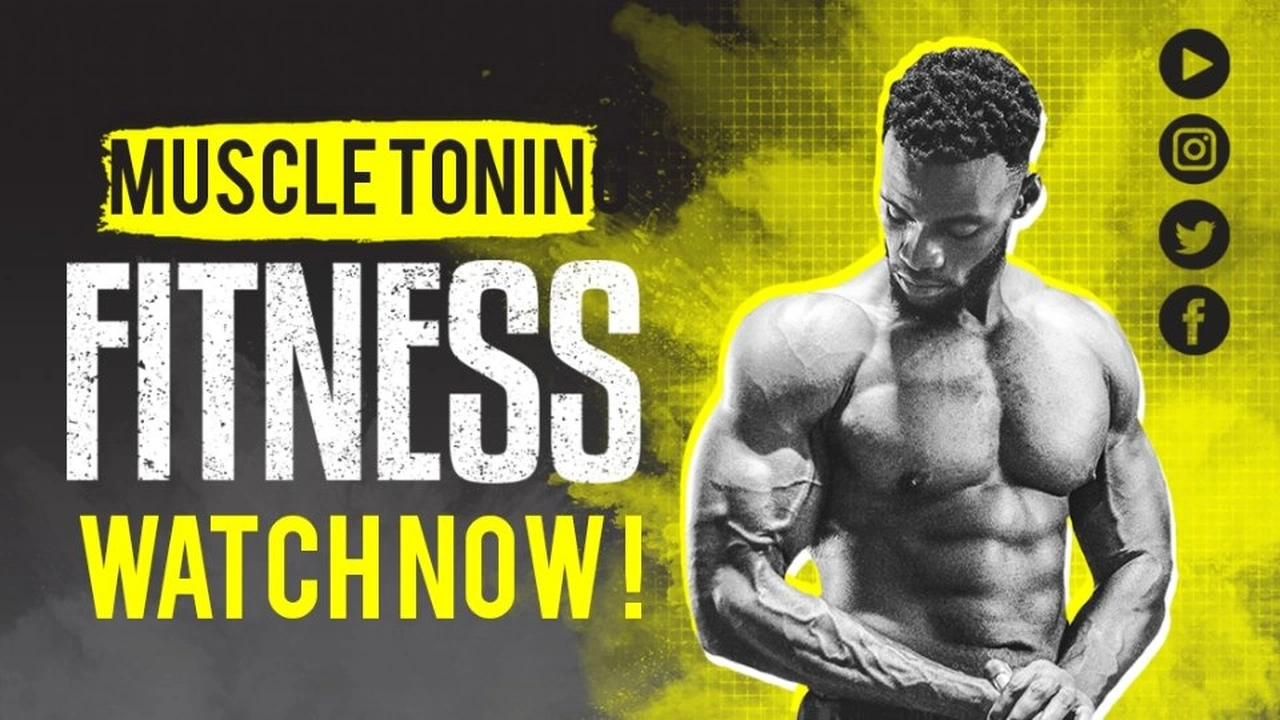
Experiment with real thumbnail layouts directly in your browser. Switch creator genres, edit live typography, and toggle into the 3D isometric layer explosion view to inspect how pro thumbnails are composited.

Every thumbnail template is built at 1280×720 HD standard for YouTube, Twitch, Facebook, and Instagram.

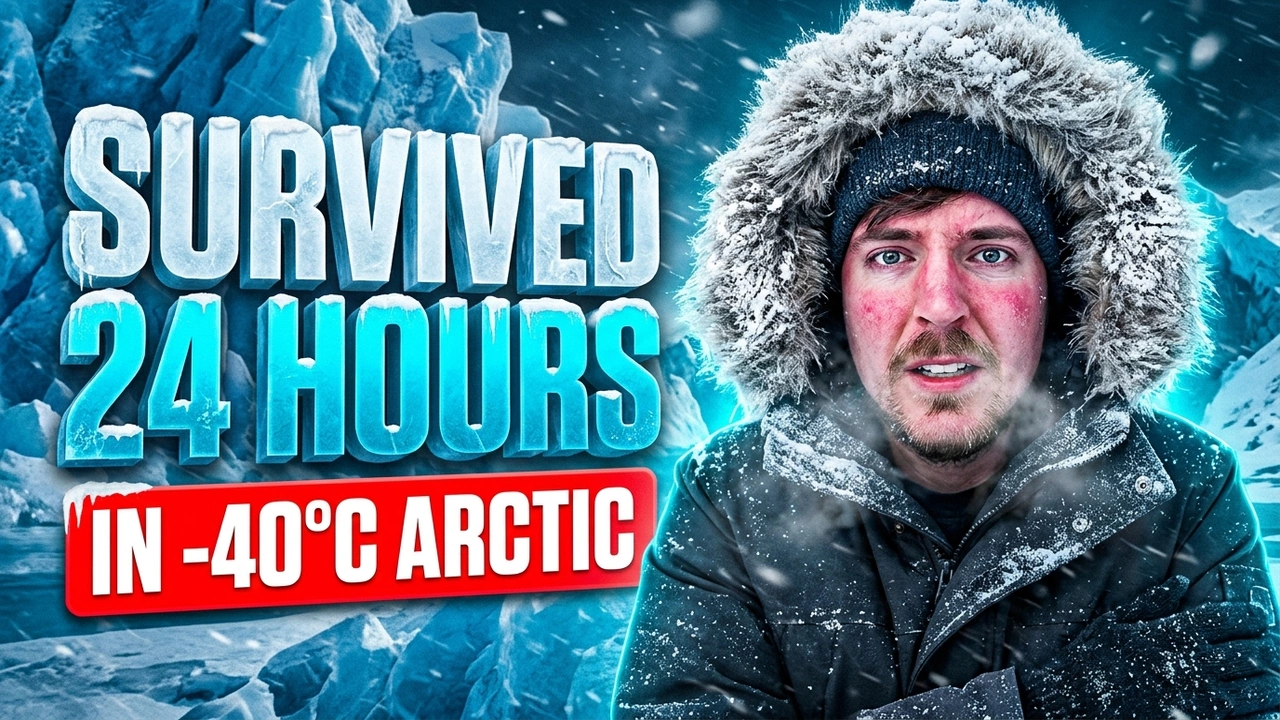


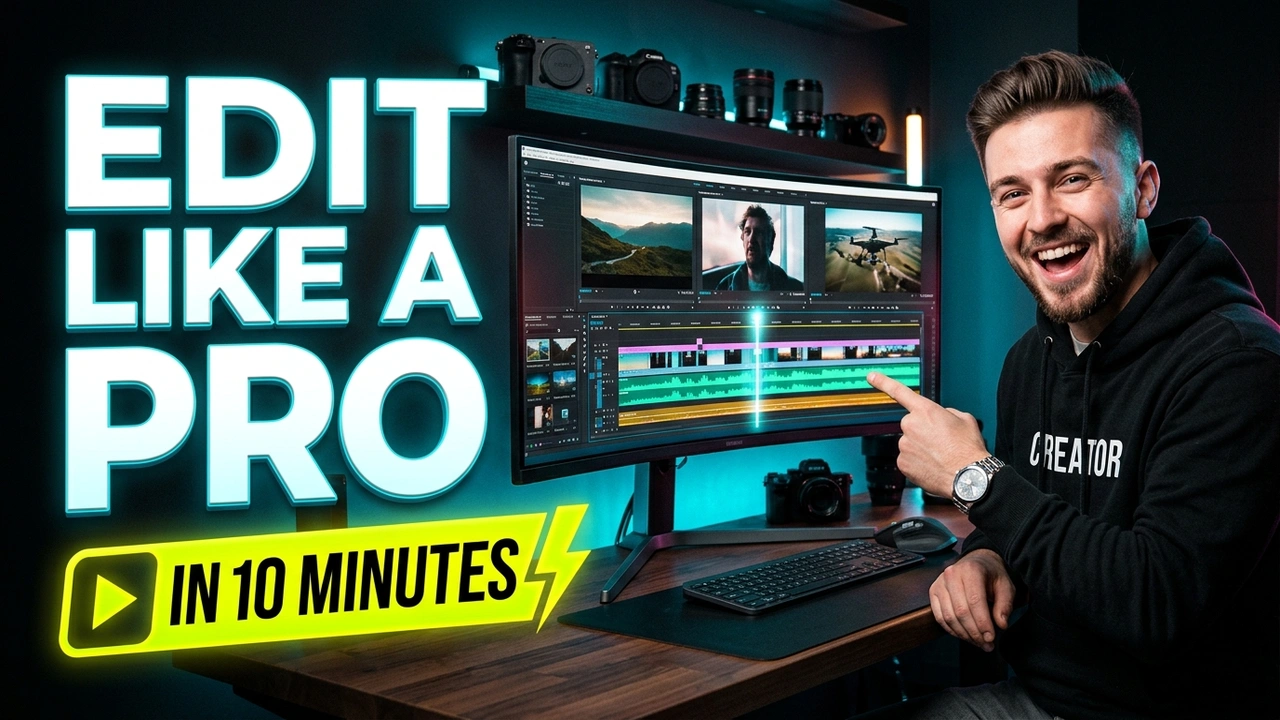

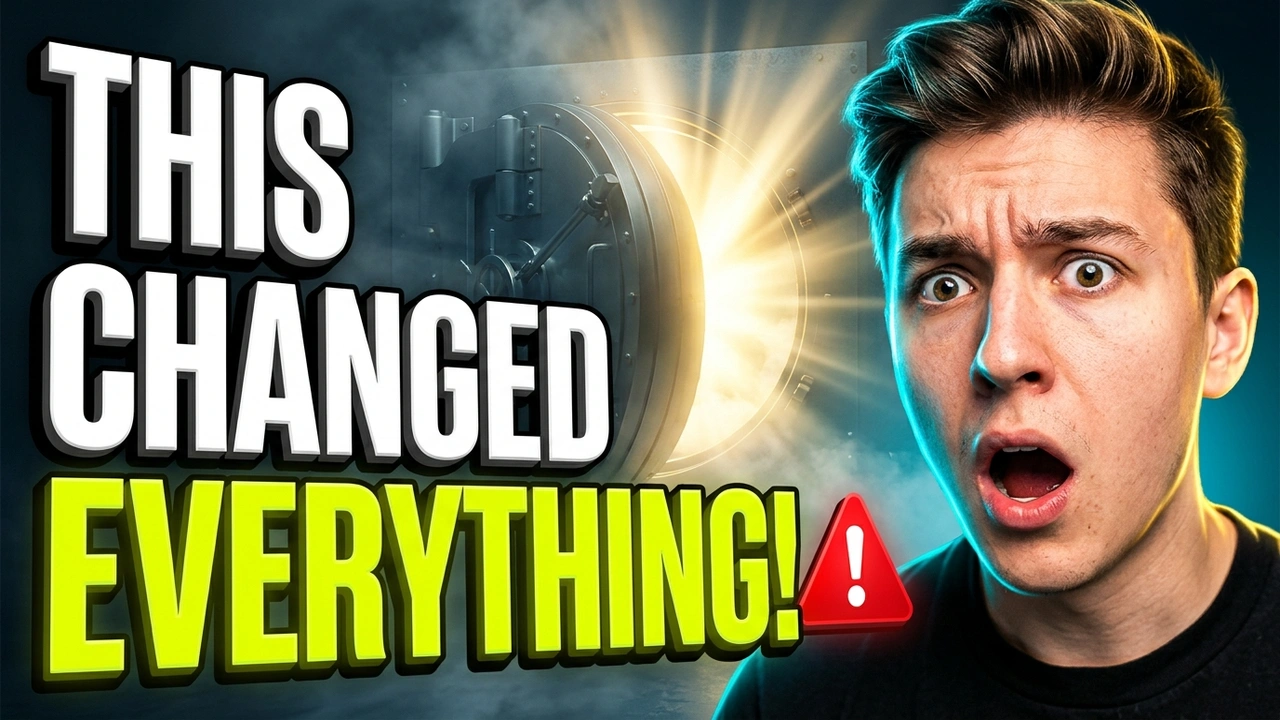
Every tool inside Ultimate Thumbnail Maker is engineered to maximize click-through rate while keeping creation effortless on Android.
Isolate creators, game heroes, and reaction faces from cluttered backgrounds in 0.2s with smart edge detection. Drag the slider horizontally to inspect edge precision:


Make words punch through with Bebas Neue, The Bold Font, Montserrat, 3D gradient fills, multi-color strokes, and custom glow radius.
Explore font styling tipsHigh-voltage covers for gameplay walkthroughs, esports tournaments, and streams. Add stickers, dynamic glow strokes, and energy overlays.
Learn about gaming thumbnailsDesign video covers that communicate your story clearly. Maintain focal hierarchy, contrast, and clarity across small mobile screen feeds.
Learn about YouTube thumbnailsExperience a streamlined creator environment. No disruptive banner ads, no interstitial video popups while designing, and instant HD export.
Download on Google PlayA quick overview of the design workflow using the tools available in Ultimate Thumbnail Maker for Android.
Open Ultimate Thumbnail Maker on your Android phone.
Choose a suitable template or start a design using the options available in the app.
Add your main text and choose a readable font and effect.
Arrange stickers and graphic elements without overcrowding the composition.
Use background removal when it suits the design.
Review the final design at a small size before exporting it using the app's available options.
See how YouTubers, streamers, and mobile creators use Ultimate Thumbnail Maker to boost their impressions and click-through rates.
“My CTR jumped from 3.4% to 11.2% in my very first week using these templates. The 3D text glow and stroke effects are unmatched on mobile!”
“I used to spend 45 minutes wrestling with desktop software for every video. Now I knock out thumbnails in 3 minutes directly on my Android phone.”
“The automatic cutout is scary accurate. Even with flyaway hair and complex lighting, it extracts clean subjects without manual masking.”
Creating thumbnails that stand out requires attention to clarity, contrast, and subject focus.
Common questions about using Ultimate Thumbnail Maker for Android.
Ultimate Thumbnail Maker is one option for Android users who want to customize thumbnail designs with templates, text, fonts, effects, stickers, graphic elements, and background removal.
You can use the app's available design tools to create covers for gameplay videos, walkthroughs, highlights, and other gaming content.
Yes. Background removal is one of the app's features. Results can vary depending on the image and the complexity of the subject.
Yes. The app supports custom text, fonts, and text effects.
Get the Android app from its official Google Play listing: https://play.google.com/store/apps/details?id=com.sk.thumbnailmaker
This website shares information and tutorials about Ultimate Thumbnail Maker and thumbnail design. App availability, features, and download options are provided through the official Google Play listing.
Learn more about our editorial approach and developer information on our About page or reach out through our Contact page.
Now available on Android. Free 500+ templates, 1-tap subject cutout, and 50+ creator fonts on a 100% ad-free canvas.
Get on Google PlayFree Download • Works Offline • No Credit Card Required